

NDLP
National Digital Literacy Programme
-
NDLP Outcomes @ CHIJ
-
Personal Learning Device @CHIJ
-
Resources
-
FAQs
NDLP Outcomes @ CHIJ
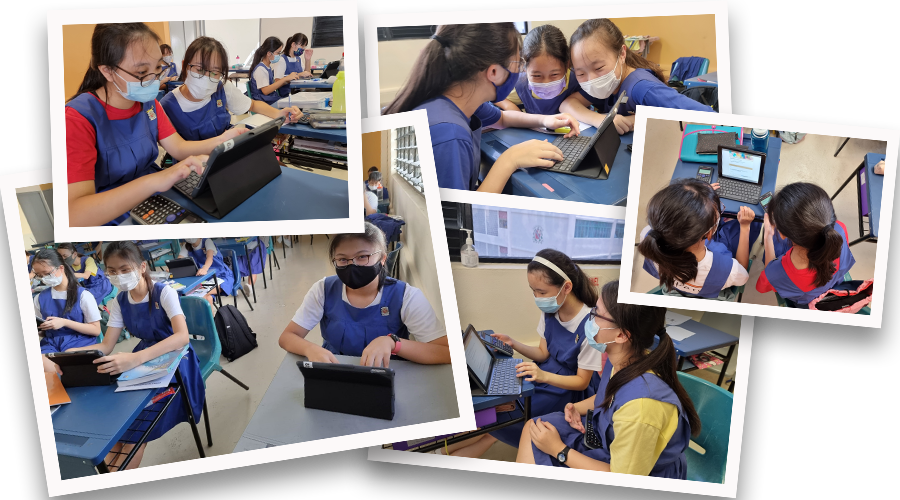
With every student owing a personal learning device (PLD), teachers can leverage the affordances of ICT tools to create ICT-enriched learning experiences.
Through the NDLP, CHIJ aims to develop students into
-
Critical Thinkers
-
Leaders of Self and Others
-
Effective Communicators.
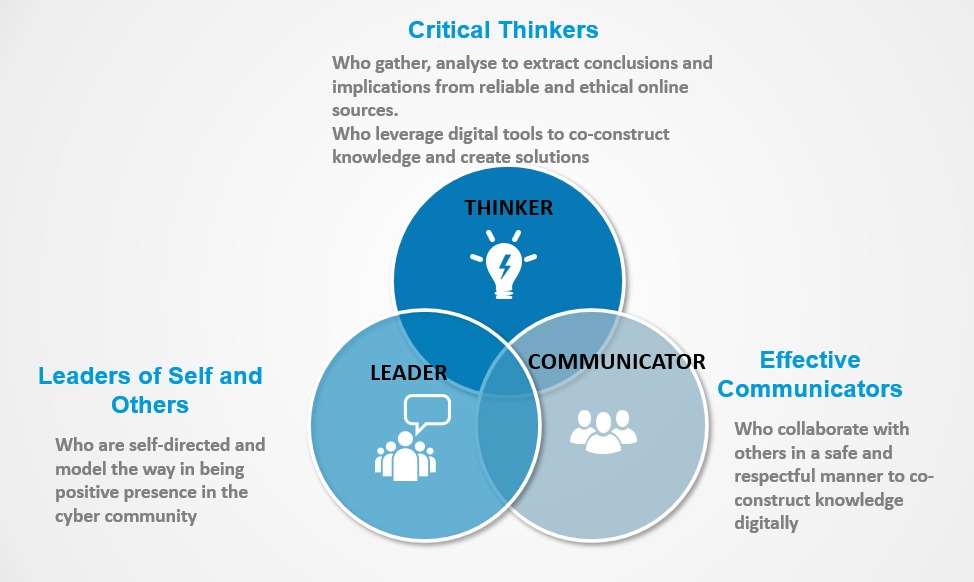
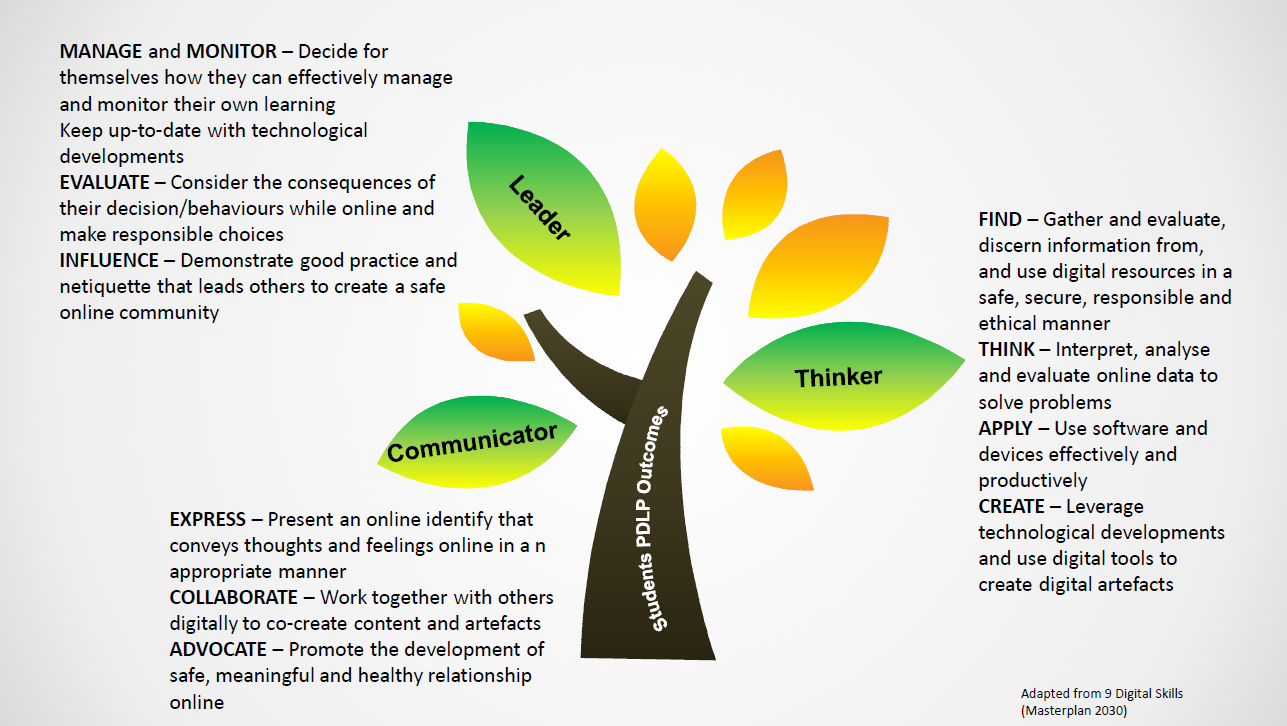
Throughout their educational journey in IJ, students will be able to acquire digital skills across the 3 domains as shown below.
Personal Learning Device @CHIJ
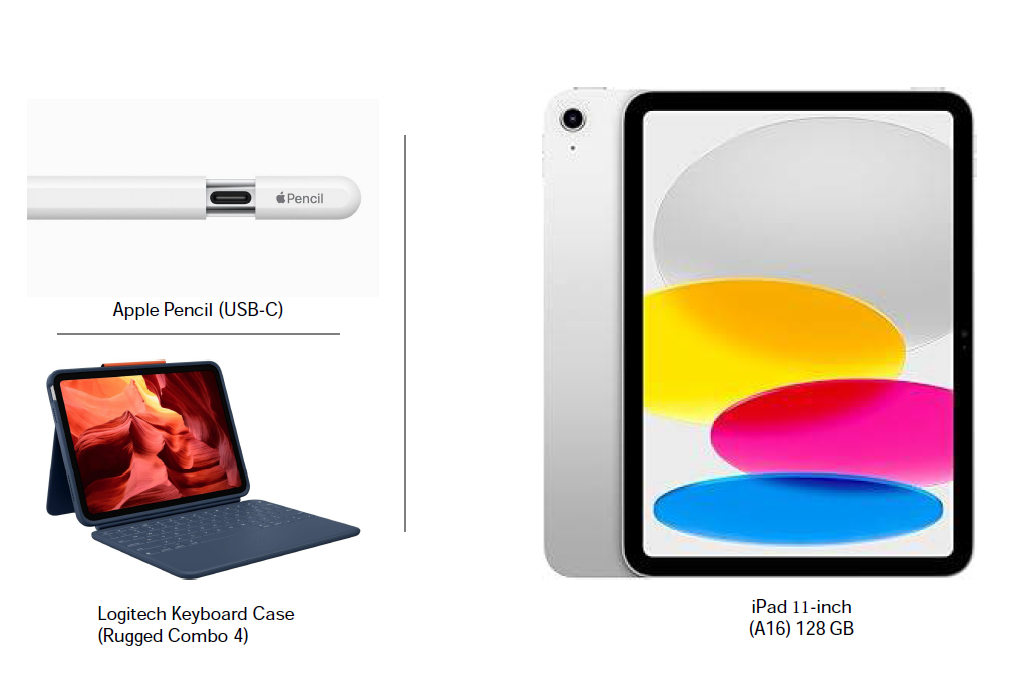
Having heard the views of staff, parents, and students through various engagement sessions, the school has decided to adopt the iPad as the personal learning device for our students. Every iPad will come bundled with a Pencil to maximize its use as a learning tool. The devices will be distributed to students in Term 1, and we will progressively roll out their use during lessons.
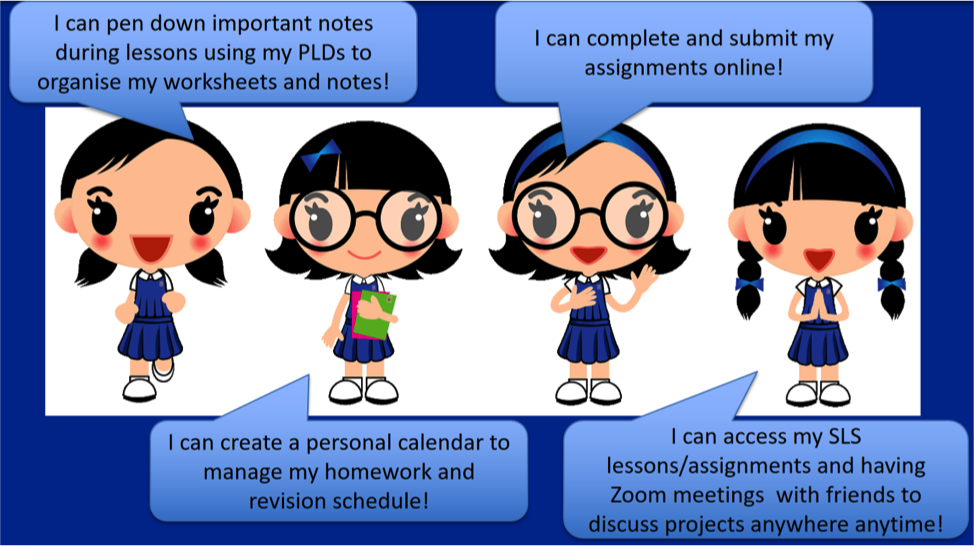
With hardware and software in the hand of students, the work they need to do become the work they love to do. Students love iPad because it’s portable, capable, and easy to use. It helps them to become self-directed and collaborative learners with a Multi-Touch experience that’s interactive and engaging.
The iPad bundle which includes a warranty and insurance for purchase is as shown below:
FAQs
What is NDLP?
The National Digital Literacy Programme is a MOE initiative that equips students with digital skills and provides them with a personal learning device (PLD) to enhance their learning experience. The Personal Digital Learning Programme refers to how schools implement this using the devices.
What device will my child receive?
Most schools provide either an iPad or a Chromebook as the personal learning device. The specific device depends on your child's school and their curriculum needs.
How much does the device cost?
The cost of the device bundle can be paid using Edusave account. To ensure the affordability of devices, MOE has provided Edusave top-up to all eligible students.
Can we use our own device instead?
Students can use their own device as long as it is compatible with the school model. The device must meet the same specifications and be able to run the required educational software and connect to the school's systems. Parents should check with the school about compatibility requirements before using a personal device.
What if the device gets damaged or lost?
Schools typically have insurance coverage and repair procedures in place. Parents should report any damage or loss immediately to the school. There may be excess charges for repairs or replacement depending on the circumstances.
How will screen time be managed?
Schools implement device management systems that can control app usage, screen time, and internet access during school hours. Parents can also set additional controls at home through the device management system.
What apps and software will be installed?
The device comes pre-loaded with educational apps and software relevant to the curriculum, including productivity tools, subject-specific applications, and learning management systems used by the school.
What happens to the device when my child graduates?
Students typically keep the device after completing their secondary education.
Resources
Parents Handbook on Learning with PLD BOOK1 & BOOK2
Cyberwellness Resources for Parents Parents' Toolkit